

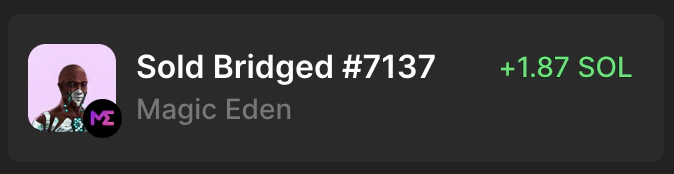
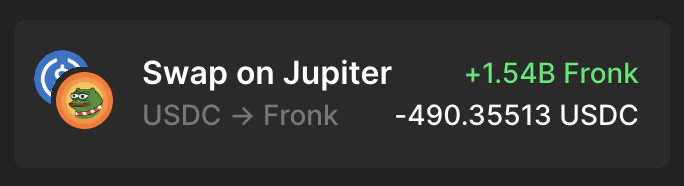
When a user views their historical activity, Phantom will parse their dapp interactions and enrich them with known metadata. The following are two examples of how Phantom displays historical transactions on Magic Eden and Jupiter, respectively:Documentation Index
Fetch the complete documentation index at: https://docs.phantom.com/llms.txt
Use this file to discover all available pages before exploring further.
- URL of the website
- Display name of the dapp
- Program/Contract IDs
- Interaction names (corresponding to program IDs)